Starlink FAQ
Find answers to the most common questions about Starlink devices, power solutions, installation, networking, vehicle use, and accessories.
Starlink Devices
1. What is the difference between Starlink Mini and Starlink Standard?
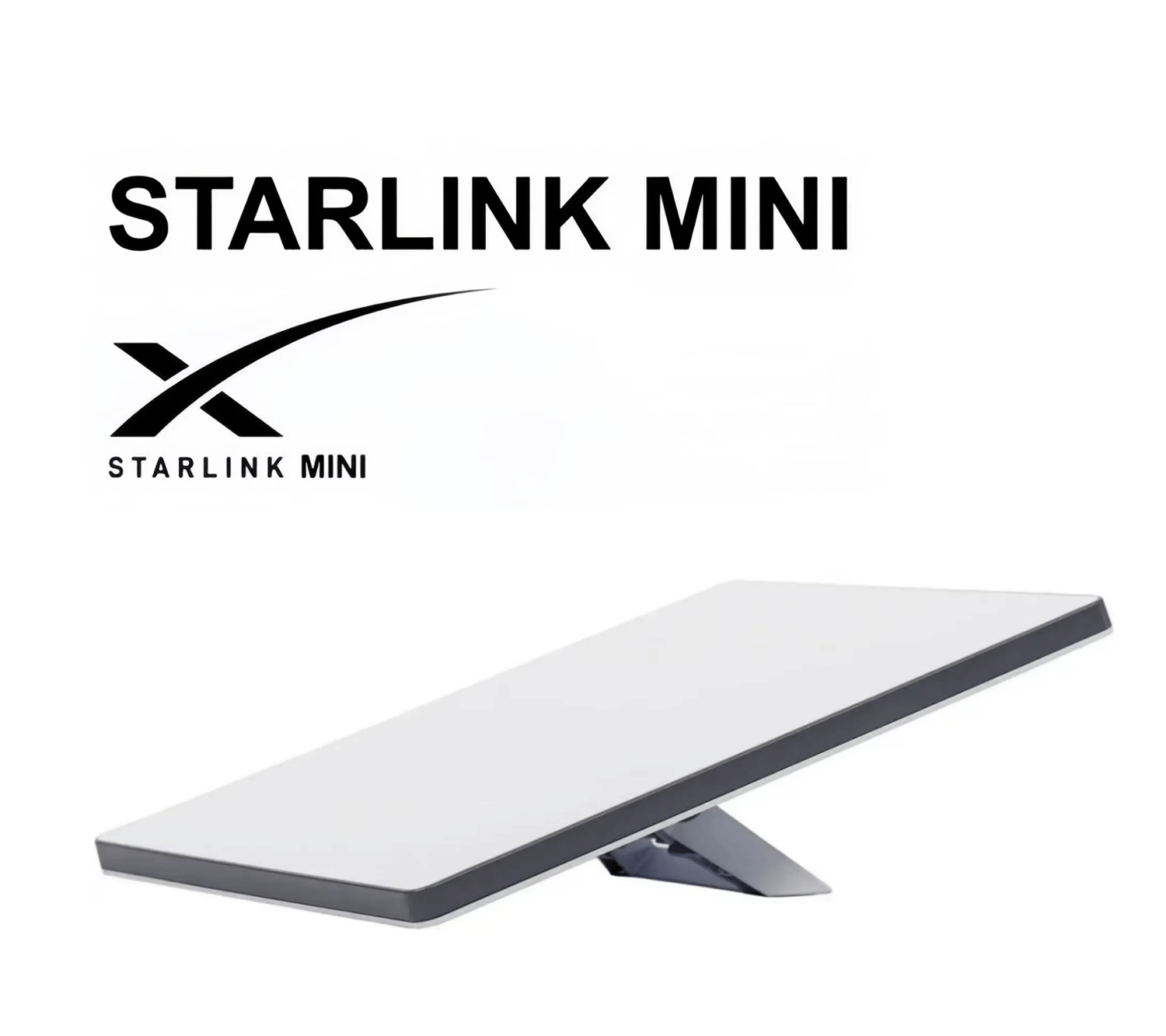
Starlink Mini is smaller, lighter, and more power-efficient, making it ideal for travel, camping, RVs, vehicles, remote work, and portable setups.
Starlink Standard is better suited for homes, offices, and permanent installations where higher network capacity and continuous operation are required.
Starlink Mini typically consumes around 20–40W, which also makes it easier to power from batteries, vehicles, and portable power stations.
2. Which Starlink is best for RVs, camping, and travel?
For portable use, Starlink Mini is usually the more convenient option because of its compact size and lower power consumption.
It works especially well for:
- RVs and camper vans
- Camping
- Overlanding
- Remote job sites
- Boats
- Temporary outdoor setups
- Backup internet
3. Can Starlink work in remote areas?
Yes.
Starlink is designed to provide satellite internet in locations where traditional fiber, cable, or cellular networks may be unavailable.
However, the dish still needs a clear view of the sky to maintain a reliable connection.
Power & Charging
4. Can Starlink Mini be powered by USB-C?
Yes, Starlink Mini can be powered using a compatible USB-C PD power source.
For reliable operation, we recommend a power source that supports:
20V / 5A / 100W USB-C PD
A regular phone charger may not provide enough power.
5. Will a 65W USB-C charger work with Starlink Mini?
It is not recommended.
Starlink Mini may sometimes start with lower-powered chargers, but insufficient power can cause:
- Random restarts
- Disconnections
- Failure to boot
- Unstable performance
For stable operation, a 100W USB-C PD charger supporting 20V/5A is recommended.
6. Why doesn’t my 100W USB-C charger power my Starlink Mini?
Not all chargers labeled “100W” provide 100W on every USB-C port.
Check whether the charger supports:
20V / 5A output on the specific USB-C port being used.
Some multi-port chargers automatically reduce power when another device is connected.
The USB-C cable must also support the required current.
7. Can Starlink Mini run from a power bank?
Yes.
A compatible USB-C PD power bank can power Starlink Mini.
For best results, choose a power bank with:
- 100W USB-C PD output
- 20V / 5A support
- High battery capacity
- A high-quality 5A USB-C cable
Actual runtime depends on battery capacity, temperature, network activity, and power conversion efficiency.
8. Can Starlink Mini run directly from a 12V or 24V vehicle?
Yes.
Starlink Mini can be used with suitable 12V/24V vehicle power solutions.
Common options include:
- Cigarette lighter adapters
- 12V/24V to USB-C PD chargers
- DC power cables
- Vehicle power converters
This makes Starlink Mini especially useful for cars, trucks, RVs, and camper vans.
9. Why does my Starlink Mini keep restarting?
Power problems are one of the most common causes.
Check the following first:
- Power source supports 20V/5A
- Charger can provide enough continuous power
- Cable supports 5A current
- Cable is not excessively long
- Connectors are secure
- Power bank is not sharing power with other devices
If possible, test the Starlink using the original power supply to determine whether the problem is related to the device or your power setup.
10. Can I use a portable power station with Starlink?
Yes.
Portable power stations are a popular solution for Starlink, especially for:
- Camping
- RVs
- Power outages
- Remote locations
- Construction sites
Starlink Mini is particularly suitable because of its lower power consumption.
For longer backup times, choose a power station with a larger Wh capacity.
Cables & Ethernet
11. Can I extend the Starlink cable?
Yes, but cable quality is important.
Longer cable runs can increase voltage loss and connection problems.
For permanent installations, we recommend using:
- Starlink-compatible cables
- Outdoor-rated Ethernet cable
- Shielded cables
- Waterproof connectors
Avoid low-quality extension cables for outdoor installations.
12. Why does Starlink become unstable after using a long cable?
Long cables can cause:
- Voltage drop
- Signal loss
- Increased electrical resistance
- Connector problems
This becomes more important when the cable is also carrying power.
For long-distance installations, use high-quality outdoor cable and minimize unnecessary connectors.
13. Are Starlink cable connections waterproof?
Starlink equipment is designed for outdoor use, but additional connections or third-party adapters may reduce weather resistance.
When installing outdoors, we recommend protecting connectors from:
- Rain
- Humidity
- Condensation
- Dust
- Corrosion
A waterproof Ethernet coupler or weatherproof junction box can improve long-term reliability.
Router & Wi-Fi
14. Does the Starlink Gen 3 Router have Ethernet ports?
Yes.
The Starlink Gen 3 Router includes two Ethernet LAN ports.
They are located behind the protective cover on the router.
You can connect devices such as:
- Computers
- Ethernet switches
- Wi-Fi access points
- Security cameras
- Smart TVs
- Third-party routers
15. Does the Starlink Gen 2 Router have an Ethernet port?
The Gen 2 Router does not have a standard built-in Ethernet LAN port.
To connect wired devices, you normally need a compatible Starlink Ethernet Adapter.
16. Can I use TP-Link, ASUS, UniFi, or another router with Starlink?
Yes.
Starlink can work with many third-party routers and mesh Wi-Fi systems.
Common brands include:
- TP-Link
- ASUS
- Ubiquiti UniFi
- MikroTik
- Netgear
For advanced networks, you can use Starlink’s Bypass Mode and allow your own router to manage Wi-Fi and networking.
17. Can I connect another router without using Bypass Mode?
Yes, in many setups this will still work.
However, it may create a Double NAT network.
For normal browsing and streaming, this may not cause noticeable problems.
For gaming, VPNs, servers, port forwarding, or advanced networking, Bypass Mode is generally the better option.
18. What should I do if I need more Ethernet ports?
Connect an Ethernet switch to the Starlink Router.
This allows you to connect additional wired devices such as:
- PCs
- TVs
- IP cameras
- NAS storage
- Access points
- Game consoles
- Office equipment
Installation & Obstructions
19. Can Starlink work if there are trees nearby?
Yes, but performance depends on how much of the sky is blocked.
Trees, buildings, roofs, poles, and other obstacles can cause short interruptions when satellites move behind them.
For the best connection, install Starlink where it has the widest possible view of the sky.
Use the Starlink App’s Check for Obstructions feature before installation.
20. Where is the best place to install Starlink?
The best location is the one with the clearest view of the sky.
Common installation locations include:
- Rooftops
- Exterior walls
- Poles
- Balconies
- Ground mounts
- RV roofs
- Vehicle roofs
Installing Starlink higher can help avoid trees and buildings, but a clear sky view is more important than height alone.
Vehicle & Mobile Use
Can I mount Starlink Mini on a vehicle roof?
Yes, Starlink Mini is commonly used on cars, RVs, camper vans, and overland vehicles.
Depending on your vehicle, you can use:
- Magnetic mounts
- Suction mounts
- Roof rack mounts
- Screw-mounted brackets
- Custom vehicle mounts
For high-speed driving, always use a secure mounting system and consider adding a secondary safety cable.
Can Starlink Mini work through a vehicle sunroof?
It may work through some types of glass, but this setup is not ideal.
Tinted glass, metallic coatings, and heat buildup can affect performance.
Placing Starlink Mini between a closed sunroof and sunshade can also cause overheating.
For long-term use, an exterior installation is normally more reliable.
Can Starlink overheat?
Yes.
Like most electronic equipment, Starlink can temporarily stop operating if temperatures become too high.
Avoid installing the device in enclosed areas with poor ventilation, especially:
- Inside hot vehicles
- Under direct glass
- Inside sealed boxes
- Next to high-temperature equipment
Once the unit cools down, it will normally reconnect automatically.
Backup Power
Should I use a UPS or portable power station for Starlink?
Both can work.
A UPS is ideal for short power outages and voltage fluctuations.
A portable power station is better when you need several hours of backup power.
For locations with frequent outages, combining Starlink with a suitable UPS or battery system can significantly improve internet availability.
Still Need Help?
Not sure which cable, mount, power adapter, or Starlink accessory you need?
Contact us and tell us:
1. Your Starlink model
2. Where you plan to use it
3. Your power source
4. Your required cable length
We can help you choose a compatible solution for your Starlink setup.